
πŸ“Œ

Pinned to the top of the blog list

Placing Images in Darty-Ai

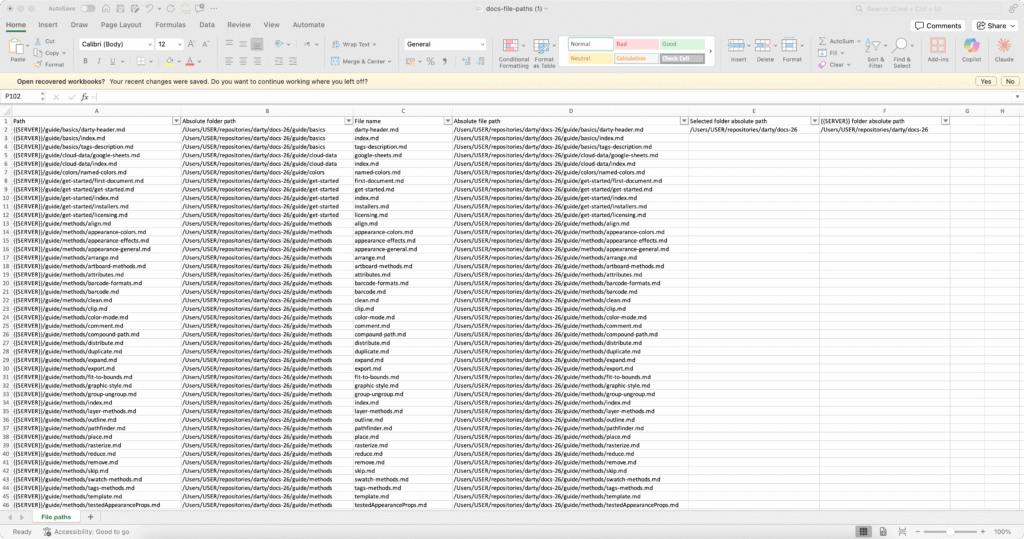
A simple walkthrough on how to bulk-place images in Illustrator using file paths stored in your spreadsheet. Perfect for catalogs, ID cards, product labels, and any workflow that needs consistent automated image placement. πŸ–ΌοΈ
INCLUDES INTERACTIVE RELATIVE PATH GENERATOR TOOLs 😎 Also explains how to deal with paths stored on servers.

Placing Images in Darty-Ai Read More Β»

Getting Started

Getting Started

⭐️ Start Here β†’ ⭐️ A friendly introduction to Darty-Ai that walks you through the full workflow. Learn how it reads spreadsheets, maps your data to artwork, and automates Illustrator tasks step by step. Discover tips for setting up your files correctly, using dynamic text and images, and previewing your results before export. A must-read for everyone, whether you’re new or experienced, to get the most out of Darty-Ai and streamline your creative projects. πŸš€

Getting Started Read More Β»

Scroll to Top