February 2026

πŸš€ New Features β€” Darty-Ai 1.7.1 (Late Feb 2026)

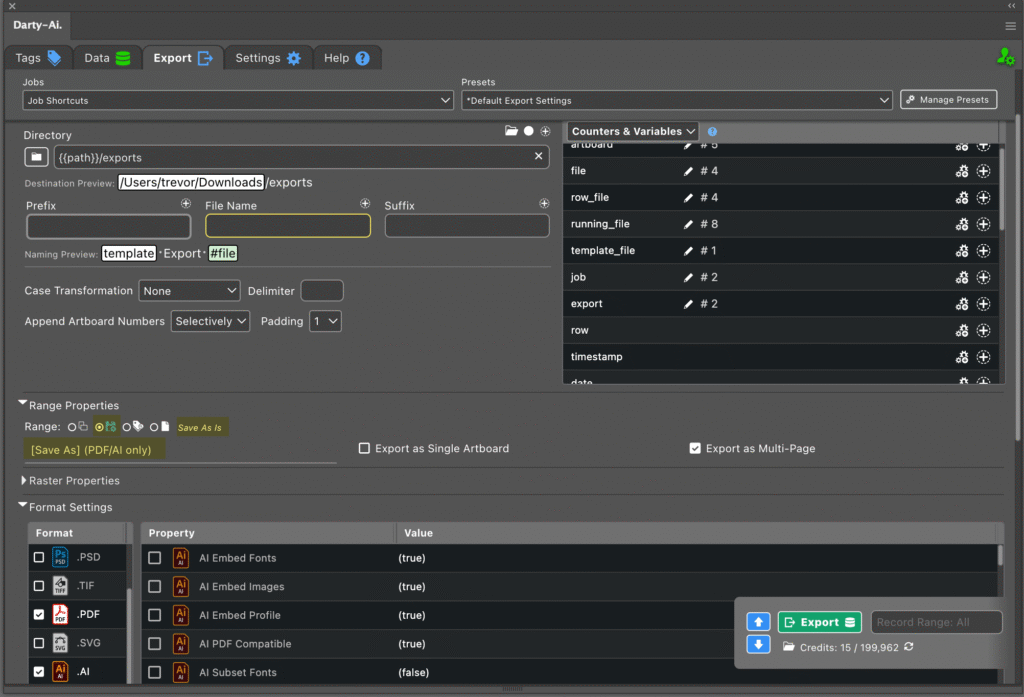
Here are the latest enhancements included in Darty-Ai version 1.7.1, released later February 2026. Some of these improvements were quietly introduced in earlier builds, but this post highlights everything that has been added since our previous β€œNew Features” update in August 2025. πŸ’Ύ Save As-Is β€” Exact Document Saving Up until now, export options were […]

πŸš€ New Features β€” Darty-Ai 1.7.1 (Late Feb 2026) Read More Β»

Self-Adjusting Logo Automation with Illustrator Darty-Ai Tutorial

Self-Adjusting Text A self-adjusting logo built in Adobe Illustrator with Darty-Ai. Text, icon, and tagline respond automatically to spreadsheet data. Design systems are often treated as static compositions, yet they are increasingly fed by dynamic inputs. When text length shifts, alignment and spacing are affected in subtle but meaningful ways. Rather than correcting these changes

Self-Adjusting Logo Automation with Illustrator Darty-Ai Tutorial Read More Β»

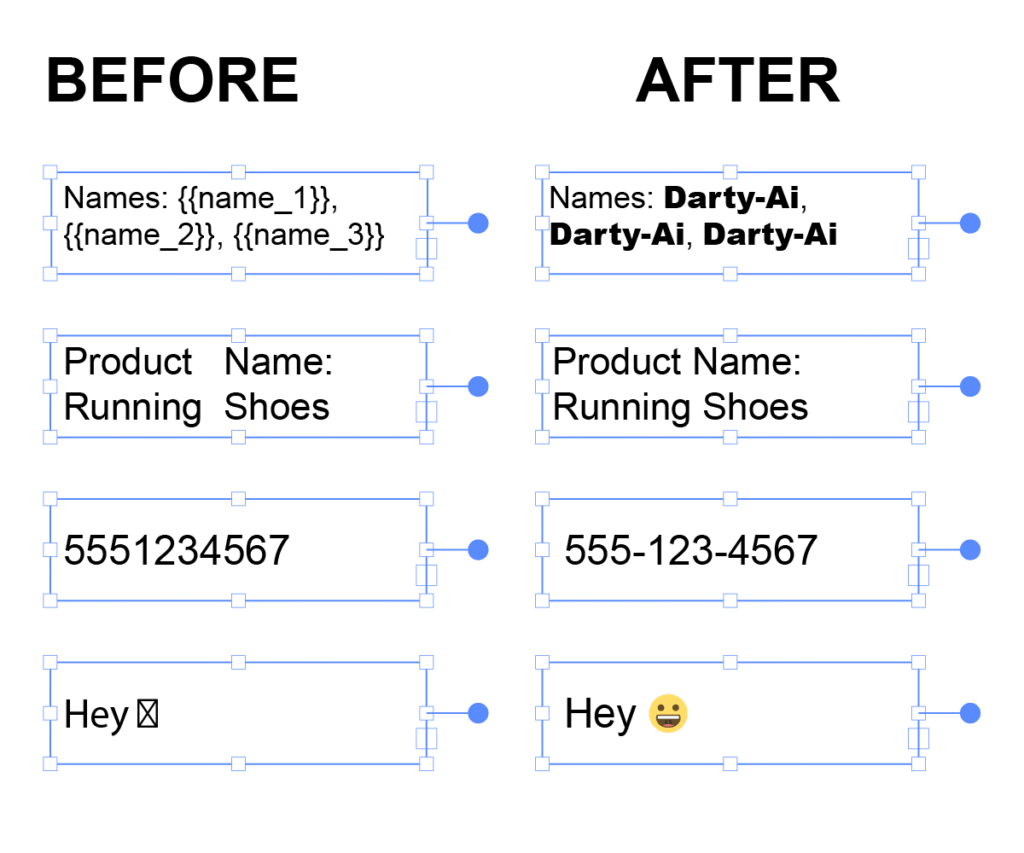
Text Replacements and Formatting

When working with text in Darty-Ai, the Text method gives you precise control over how content is replaced, formatted, or dynamically inserted into your Illustrator documents. You can target text in several different ways depending on your workflow. Text Targets: Replace and format tagged text frames Replaces the entire contents of a tagged text frame.

Text Replacements and Formatting Read More Β»

Placing Images in Darty-Ai

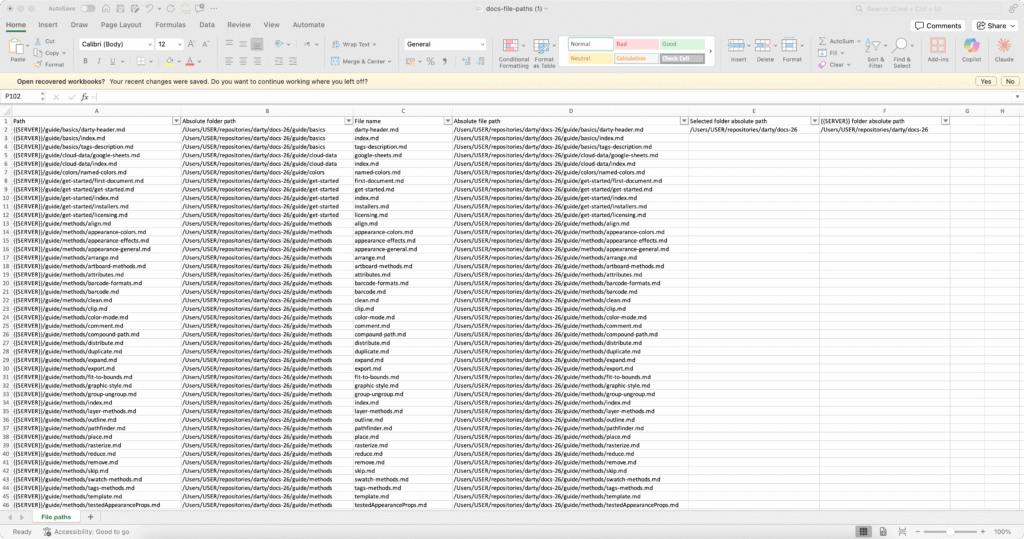
In our getting started guide, we introduced how paths work in Darty-Ai for linking images stored in different folders on your computer or network. This post expands on that foundation with clearer explanations and practical examples so you can use paths confidently in any workflow. Paths can be written as either absolute or relative: Absolute

Placing Images in Darty-Ai Read More Β»

Getting Started

πŸƒβ€β™‚οΈ Intro πŸƒβ€β™‚οΈ In this guide, we will explore the structure of a Darty-Ai spreadsheet, focusing on the header rows and method blocks. We will also include tips on how to effectively use defaults and paths, as well as common pitfalls to avoid when setting up your spreadsheet. Spend some time familiarizing yourself with this

Getting Started Read More Β»

Scroll to Top