Trevor

Using Private Google Sheets Shared with Business Emails in Darty-Ai

Private Google Sheets (Google App) Overview This guide explains how to connect private Google Sheets to Darty-Ai using a Google App (OAuth), allowing access via regular business emails—without coding or technical knowledge. Setup is one-time and typically takes under 10 minutes. Key Concepts Access options: Publicly shared Google Sheets, or Privately shared Sheets via a […]

Using Private Google Sheets Shared with Business Emails in Darty-Ai Read More »

🌍 New in Darty-Ai: Advanced RTL & Regex Features for Global-Ready Illustrator Text

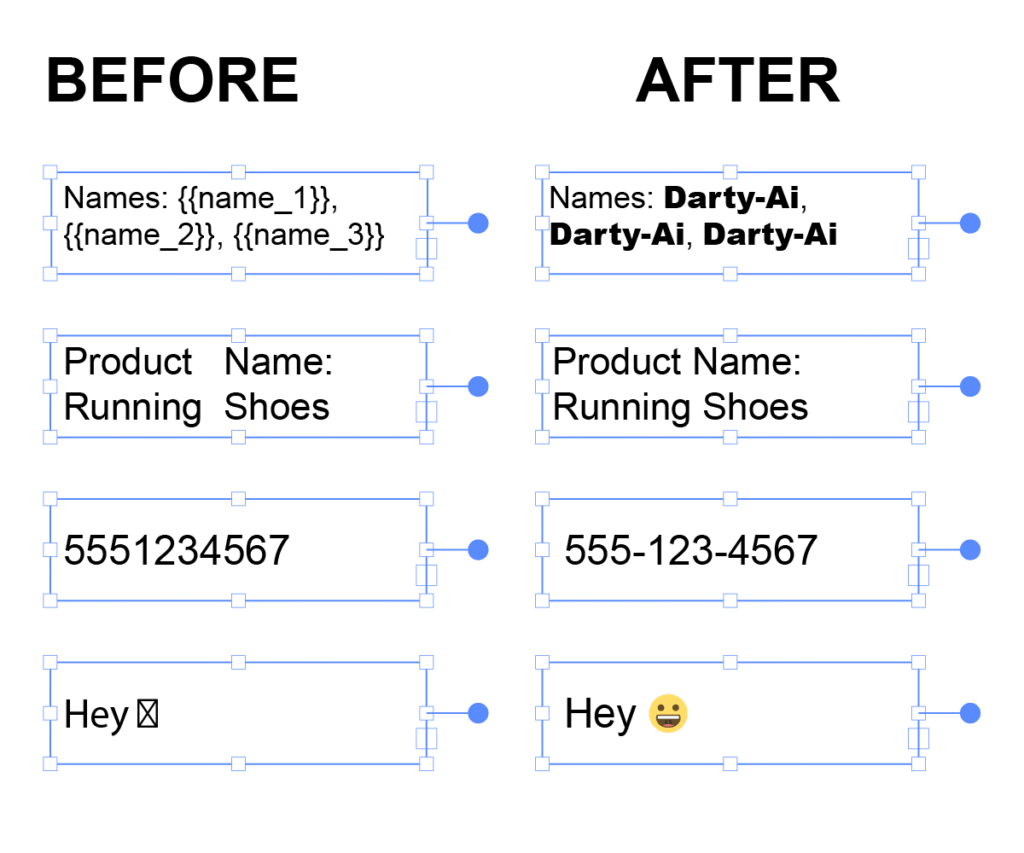
Our latest release brings powerful enhancements to Darty-Ai’s text method — helping creative teams manage multilingual, right-to-left, and data-driven designs faster and more precisely than ever. Whether you’re working in Arabic, Hebrew, German, Chinese, Japanese, Dutch, or beyond, Darty-Ai now gives you the control you need to translate and localize designs with confidence. ✨ Smarter

🌍 New in Darty-Ai: Advanced RTL & Regex Features for Global-Ready Illustrator Text Read More »

Illustrator Meets Google Sheets

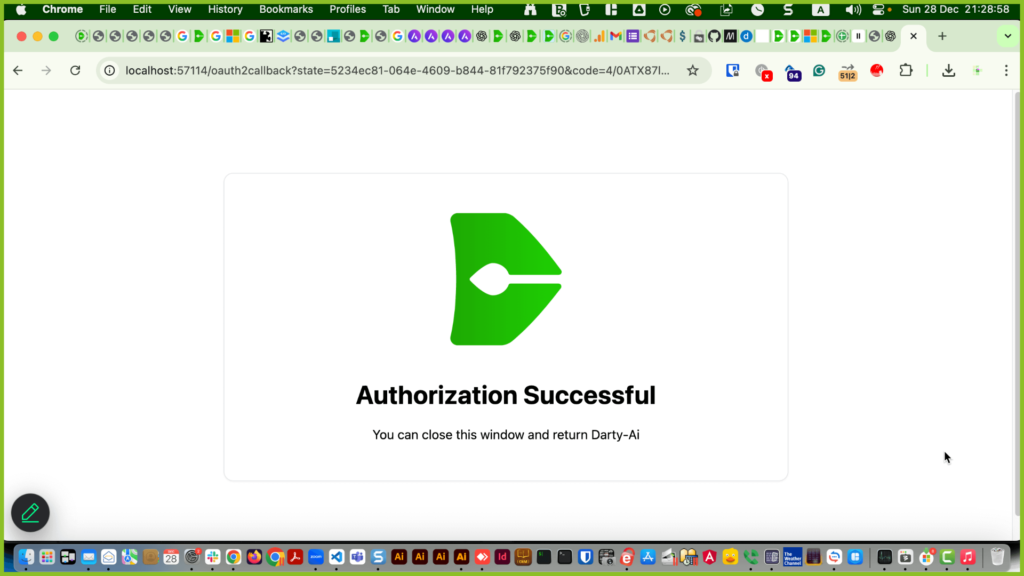
Public Sheets For publicly shared Google Sheets, click the cloud icon. Paste the Google Sheet URL (address) you see in the browser bar or in the share panel, Then click import. Update Darty-Ai now supports private Google Sheets through Google’s official OAuth authorization system 👍 This lets you securely use Google Sheets shared with your

Illustrator Meets Google Sheets Read More »

Darty-Ai Workflow Part 1 – Tags

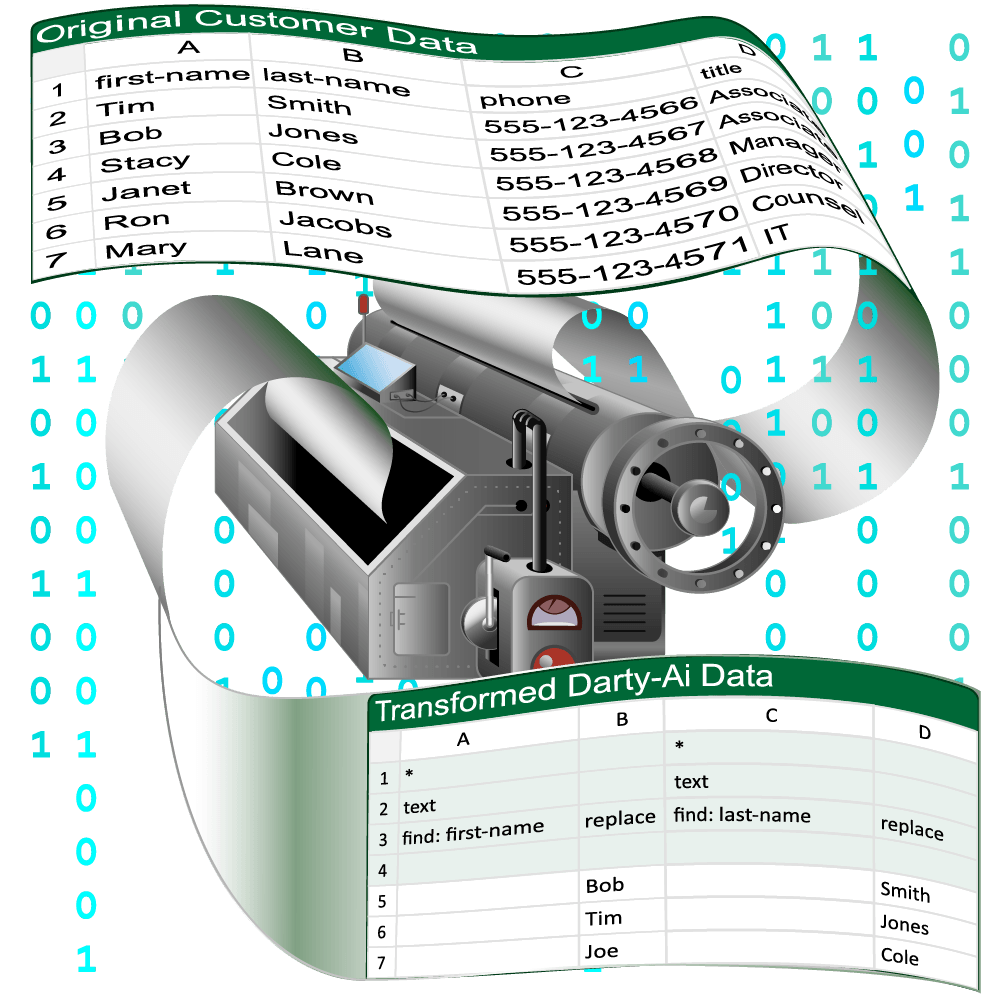
There are 3 main stages in the workflow of producing data-driven documents using Darty-Ai. Preparing a tagged template document, using Adobe® Illustrator® and the Darty-Ai UI. Preparing a data source, using the Darty-Ai UI and / or your favored spreadsheet software like Microsoft Excel or Google Sheets. Previewing and exporting the documents using the Darty-Ai

Darty-Ai Workflow Part 1 – Tags Read More »

Scroll to Top