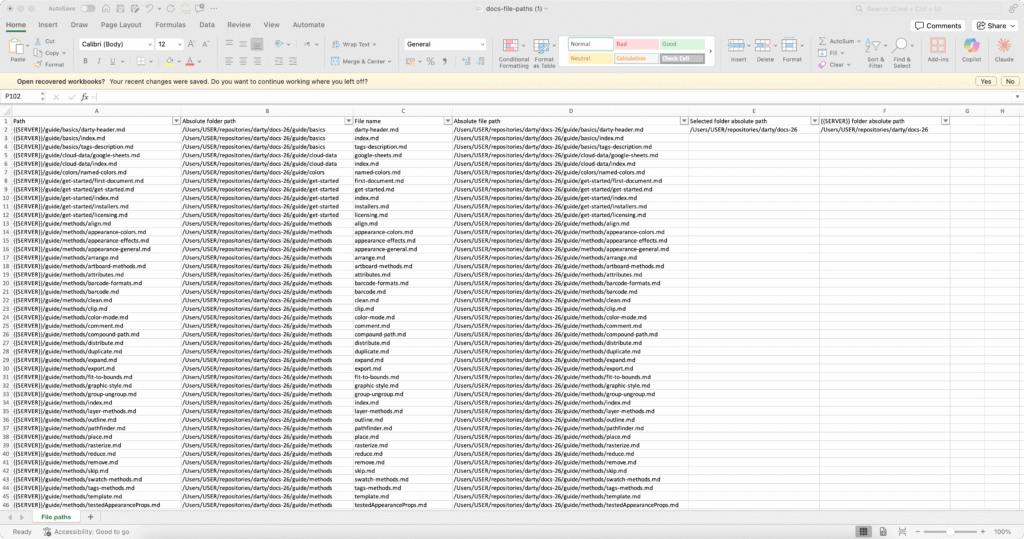
After loading your Darty-Ai spreadsheet, you can quickly review how your data affects the artwork by clicking the
Preview button. This opens a live preview document, where selecting any row instantly shows its output.
To return the document to its original state, use the
Reset Preview Document button.
To refresh the spreadsheet data, click the
Reload Data button.
Mastering these three controls will greatly enhance your workflow and overall Darty-Ai experience.
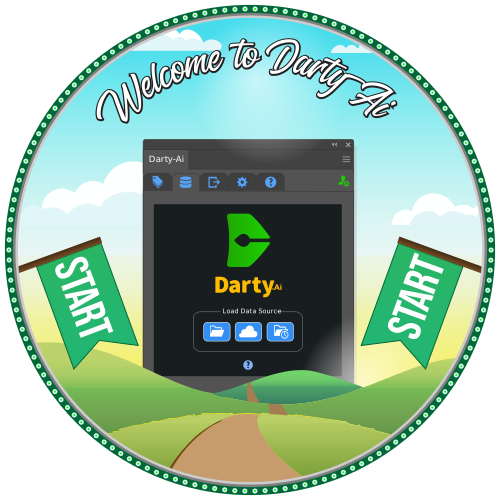
Give them a try using the interactive graphic below.
Darty-Ai (our powerful Adobe Illustrator® plugin for variable-data/VDP) excels as a creative tool for variable
design by allowing the artist to experiment and create edits on-the-fly faster and easier compared to traditional
native variables.
It accomplishes this by creating a temporary document named “[Darty-Preview]” by copying the source document
instantly when the user goes into “preview mode”.
The Significance of [Darty-Preview]
A temporary previewing document means the ability to create experimental changes without any worry or fear, knowing
that with a simple click it can all go back to when everything was working best.
The artists can still make changes to the Preview document as it isn’t locked down, rather it is backed-up and
reverted by Darty-Ai upon the activation of a record or using the Revert button while in preview mode.
This has an effect of removing the bottlenecks from variable-data template creation.
Edits can be done to take care of the main two issues in template-creation:
Working in new design elements.
Working in new kinds of data.
Creative Power
The challenge with making a robust variable-data design is ensuring all the design elements play well with each
other on the canvas.
Commonly, certain design elements end up being best-matched with certain other design elements, and unscrupulous
template architecture could lead to undesired results.
Darty-Ai enables the designer to add new styling or appearance-features and apply the edits to the source template
while also letting one reload the data with a one-click action.
As an example, consider color-ways. Some color combinations are best in the document. Cycling data in a template
which changes colors helps determine what data goes best with each other. Changing the global swatch values is made
easy by first manipulating the values in the template until the desired look, then pasting the color’s hex-value
into the Excel spreadsheet.
Now, after the procedure of testing out a good color and using it in an Excel column, this same data can be applied
via formula or fed into ChatGPT, to ensure new records follow this consistent scheme and not create clashing
outputs.
Data-Editing & Visual Validation
The other most common challenge is adapting the design to data.
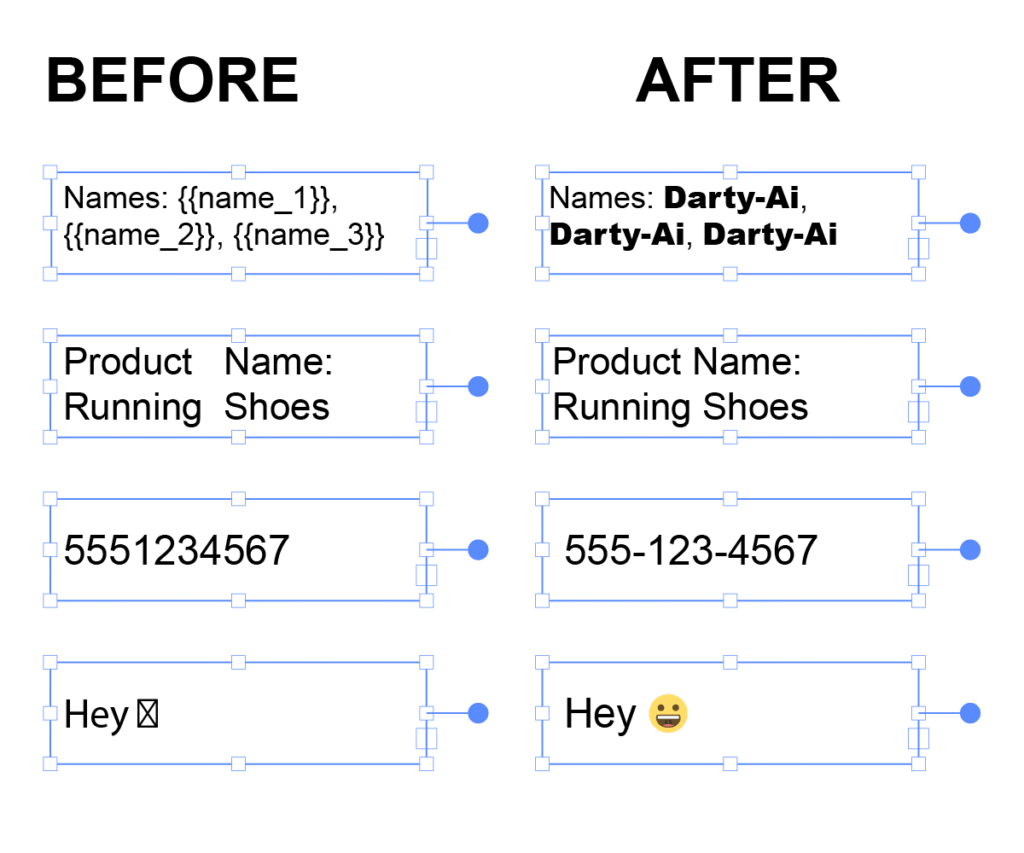
Summed up in the classic case: what happens when you design a text-frame for a certain font-size and font, but the
new data has a word-length longer than the text-frame allows? How about if the font itself is changed, via
Darty-Ai’s powerful text-replacement features?
Darty-Preview, the preview mode allows one to visualize this, giving an opportunity to change template artwork’s
initial states through closing the Preview, or editing a reverted preview file and saving over the original
template.
On the data side in Excel, any results which could be affected by data could be also edited there based on what the
preview shows. For example, forcing a next-line is easy by including this line-break in the spreadsheet. A formula
(created with ChatGPT) could actually process source columns and insert next-lines based on what text there is.
Preview Only? Darty-Ai as Free State-Manager
As you may have realized, even in the (currently) Free Darty-Ai tier, this is already a powerful state-manager for
Adobe Illustrator documents: allowing the entire template to change once - with every Darty-Ai feature available.
For some organizations, this is already a win. Sometimes, having one template and an Excel workbook capable of
turning this template into thousands of varieties one at a time is the solution!
Such are the cases when the need is only for the one record, at isolated times per day or per week. Think: changing
the colors and effects, with rotation or transforms of vector paths of a multi-artboard architectural plan where the
demand is a couple times per week.
In such situations, simply running one Darty-Ai record and manually saving the file where it needs to go is a
robust and efficient way to accomplish the result.
Conclusion
With the preview mode and Darty-Ai’s [Darty-Preview] document, creation of variable-data design templates in
Illustrator is now an enjoyable, satisfying and even addictive process.
We use cookies to optimize our website and our service.
Functional
Always active
The technical storage or access is strictly necessary for the legitimate purpose of enabling the use of a specific service explicitly requested by the subscriber or user, or for the sole purpose of carrying out the transmission of a communication over an electronic communications network.
Preferences
The technical storage or access is necessary for the legitimate purpose of storing preferences that are not requested by the subscriber or user.
Statistics
The technical storage or access that is used exclusively for statistical purposes.The technical storage or access that is used exclusively for anonymous statistical purposes. Without a subpoena, voluntary compliance on the part of your Internet Service Provider, or additional records from a third party, information stored or retrieved for this purpose alone cannot usually be used to identify you.
Marketing
The technical storage or access is required to create user profiles to send advertising, or to track the user on a website or across several websites for similar marketing purposes.

Pingback: External SVGs in Illustrator Variable-Data with Darty-Ai – Darty-Ai