
Preview Your Documents with Darty-Ai

After loading your Darty-Ai spreadsheet, you can quickly review how your data affects the artwork by clicking the Preview button. This opens a live preview document, where selecting any row instantly shows its output. To return the document to its original state, use the Reset Preview Document button. To refresh the spreadsheet data, click the […]

Preview Your Documents with Darty-Ai Read More »

Darty-Ai: A Modern Alternative to Illustrator’s Native Variables

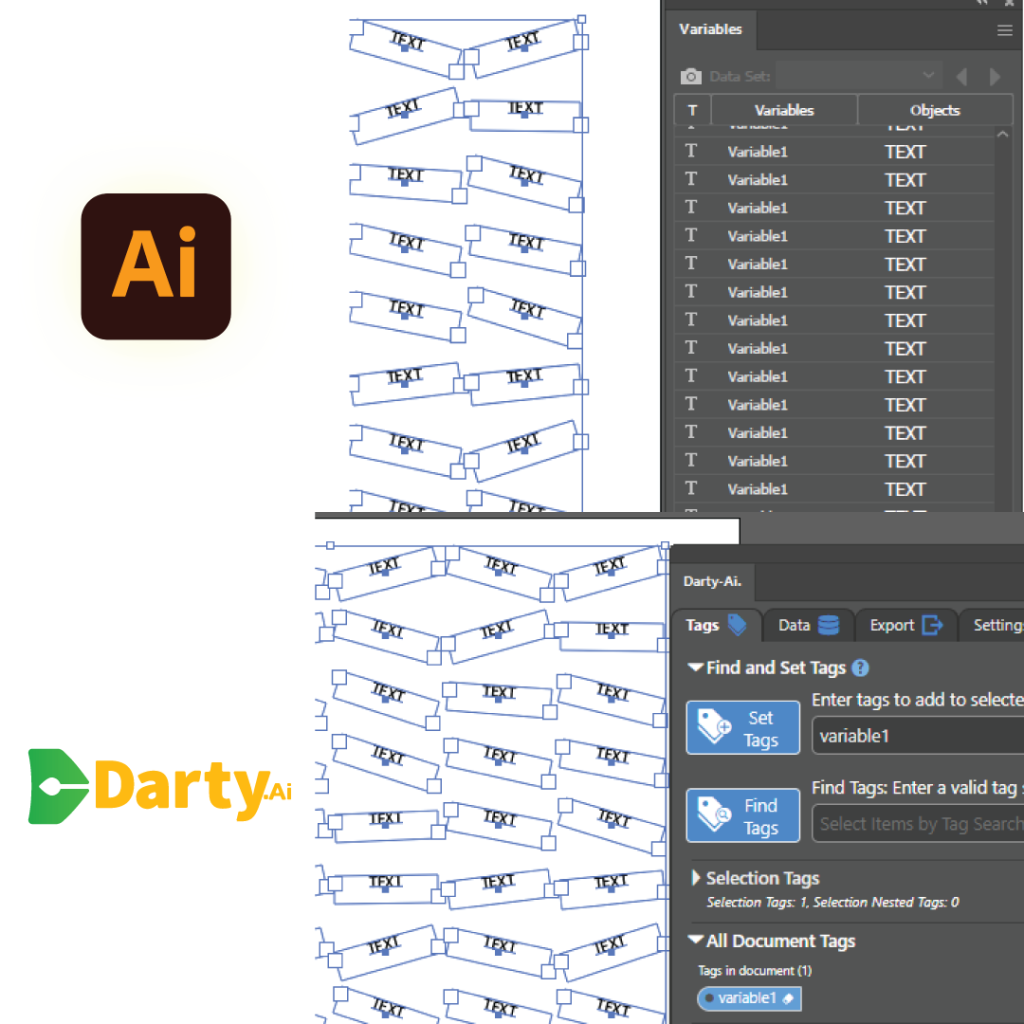
Darty-Ai is a powerful Adobe Illustrator extension that reinvents the variable data printing (VDP) workflow, replacing Illustrator’s outdated Variables panel with a faster, more flexible system for dynamic design. Smarter Data Import & Reload Import data directly from Excel or Google Sheets—no CSV conversion required. One-click reload makes it easy to update your artwork with

Darty-Ai: A Modern Alternative to Illustrator’s Native Variables Read More »

Darty-Ai Workflow Part 1 – Tags

There are 3 main stages in the workflow of producing data-driven documents using Darty-Ai. Preparing a tagged template document, using Adobe® Illustrator® and the Darty-Ai UI. Preparing a data source, using the Darty-Ai UI and / or your favored spreadsheet software like Microsoft Excel or Google Sheets. Previewing and exporting the documents using the Darty-Ai

Darty-Ai Workflow Part 1 – Tags Read More »

Scroll to Top